Webflow forms integration
Форми Webflow у SendPulse. Коли хтось надсилає форму на вашому сайті Webflow, дані одразу потрапляють до SendPulse Automation 360. Звідти ви можете спрямувати їх до EDU, CRM, адресних книг та інших продуктів SendPulse і будувати навколо них автоматизації — без ручного експорту та копіювання.
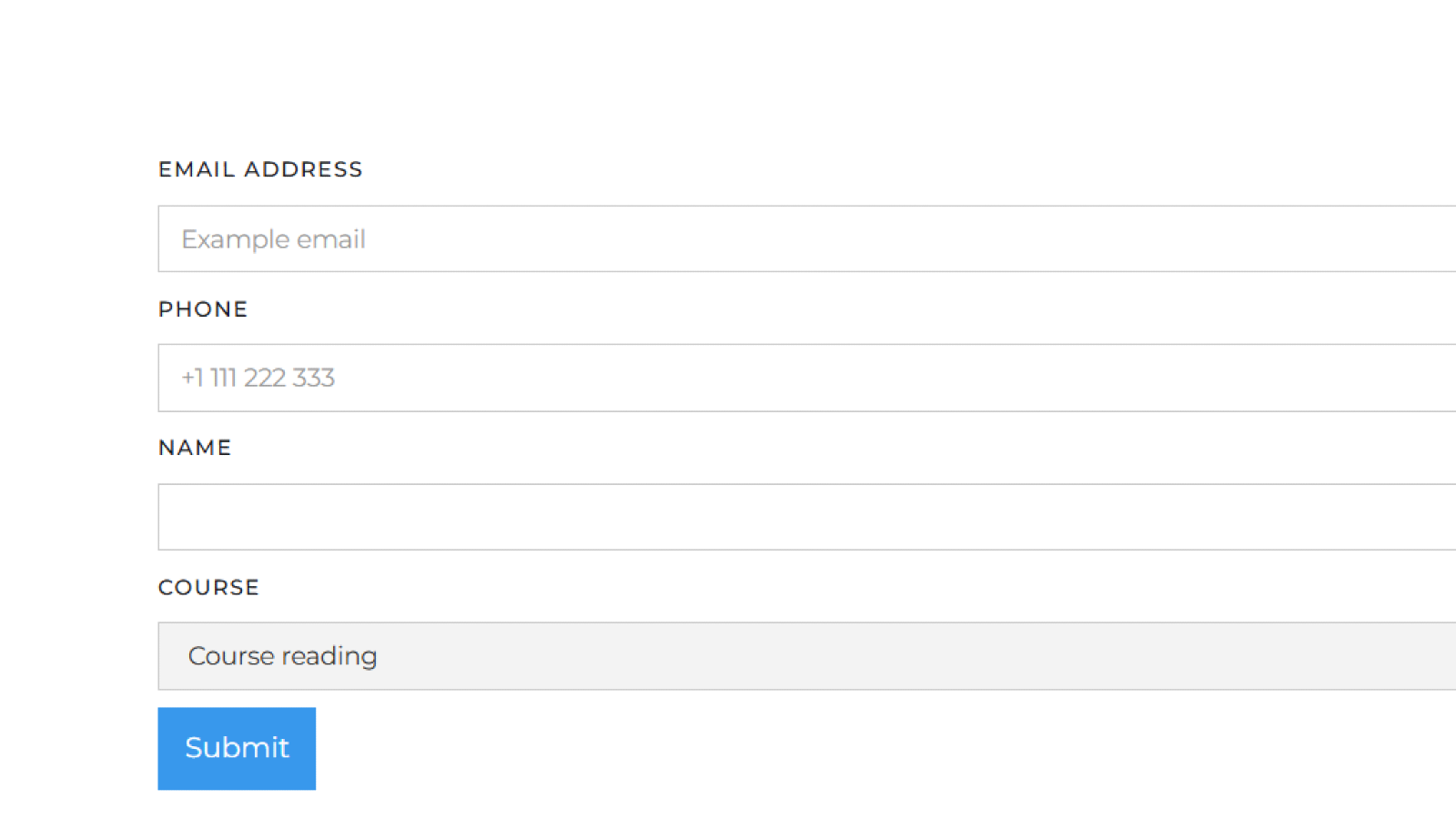
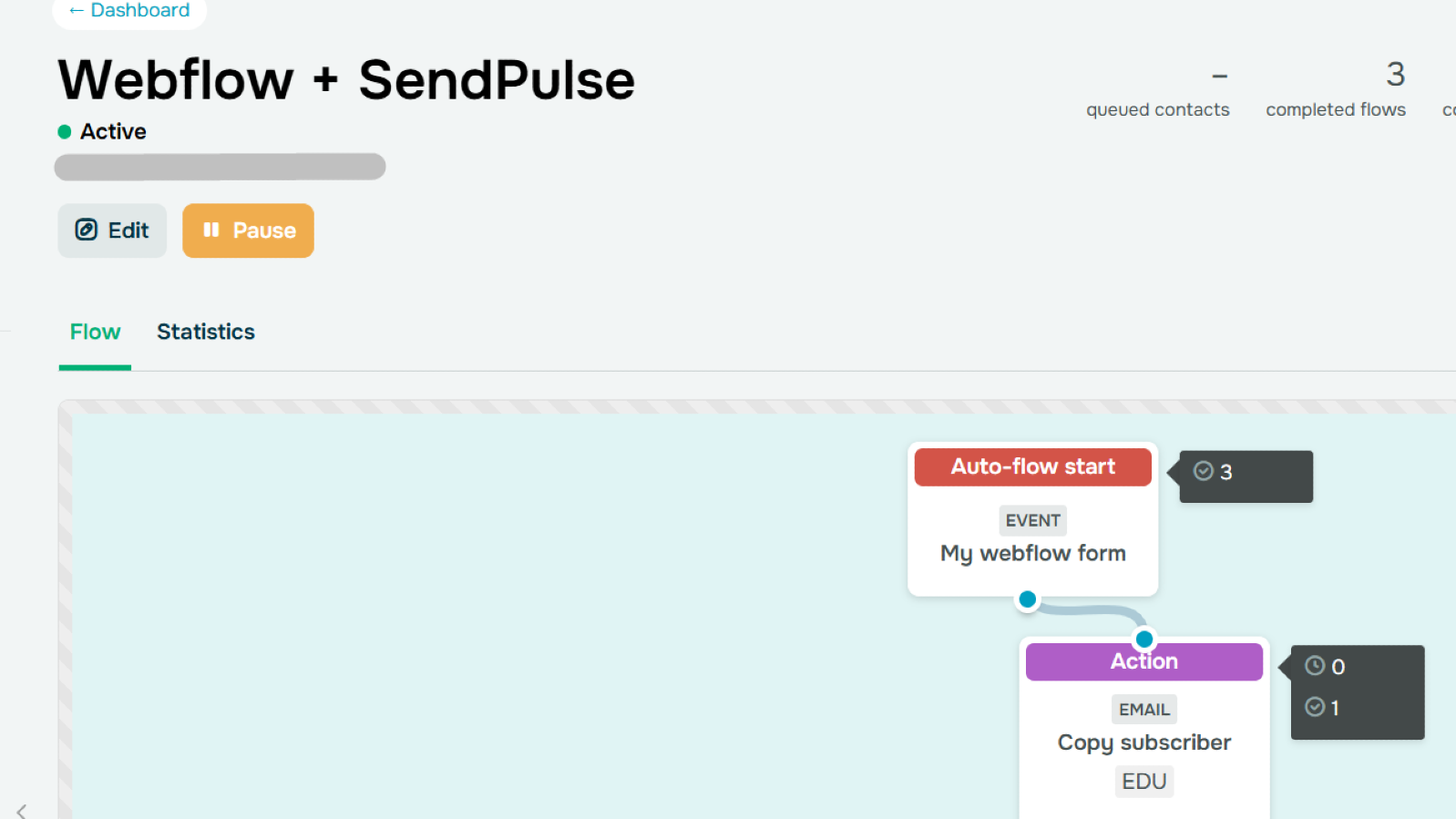
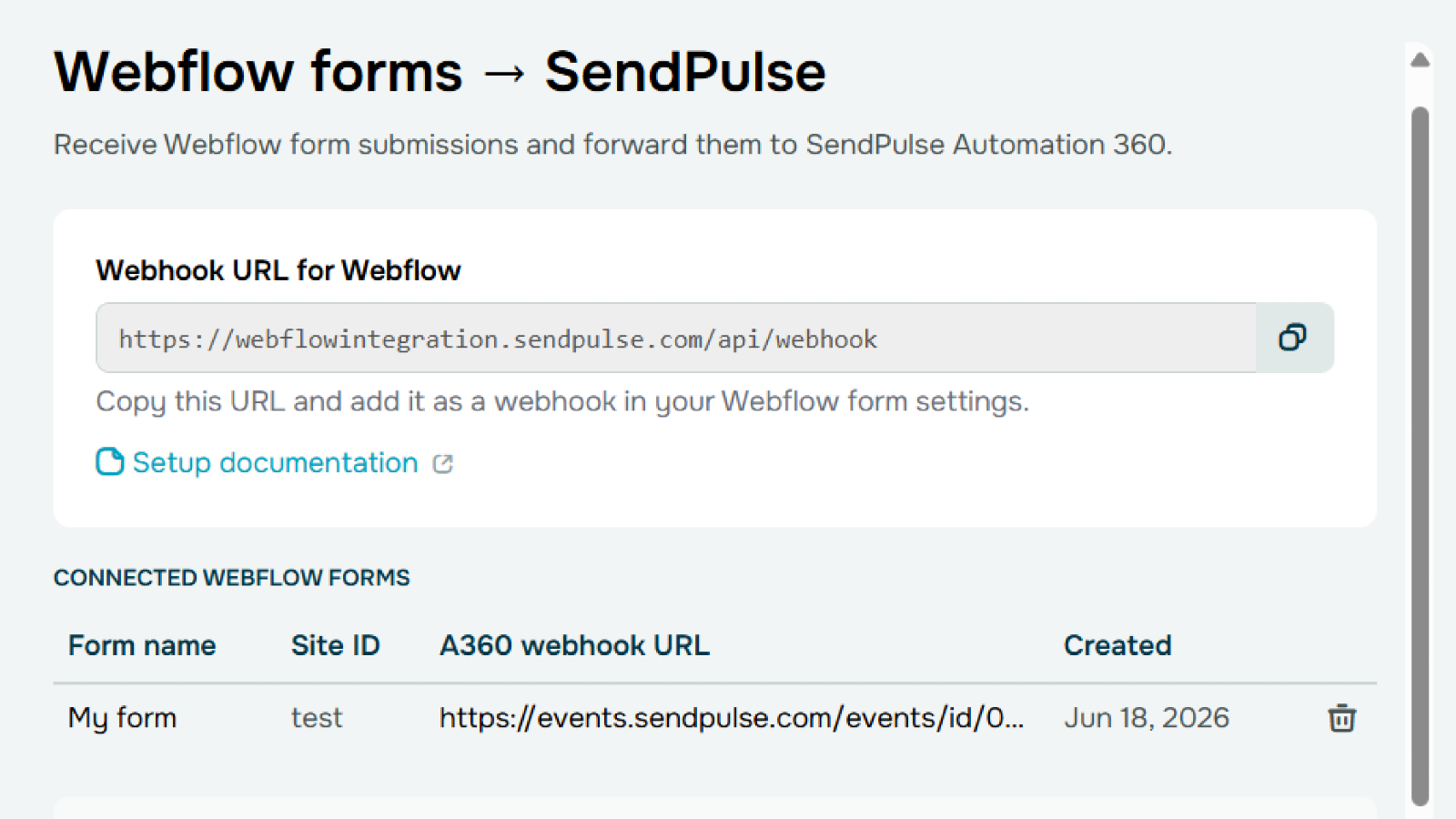
Інтеграція надсилає дані форм Webflow до SendPulse Automation 360. Звідти ви можете спрямувати ці дані у:
- EDU — Автоматично записуйте людину на курс. Додайте до форми поле курсу й дозвольте обрати, який саме.
- CRM — Створіть контакт і угоду, згенеруйте задачу та перемістіть угоду на потрібний етап.
- Email-розсилки — Запускайте будь-що — від привітальної серії до сегментованих розсилок на основі надісланих даних.
- SMS-розсилки — Надсилайте SMS залежно від того, що було надіслано, наприклад підтвердження замовлення чи деталі реєстрації.
- Месенджери — Пишіть людині в Telegram, Viber та інших месенджерах залежно від того, які поля вона заповнила.
- Push-сповіщення — Надсилайте push за заданими вами умовами, наприклад нагадування про бронювання чи промо.
Налаштуйте один раз: Webflow надсилає дані, а A360 вирішує, що робити далі.
Щоб налаштувати інтеграцію:
- У Webflow створіть свою форму та занотуйте її назву, ID вашого сайту й назви полів. У налаштуваннях Webhook форми вставте webhook URL, показаний на цій сторінці.
- У A360 створіть подію з тими самими полями та скопіюйте webhook URL цієї події.
- Поверніться до застосунку, додайте ID вашого сайту, назву форми та URL події A360, після чого збережіть.
- У A360 побудуйте workflow, що запускається за цією подією — запишіть студента, створіть угоду, надішліть email або що завгодно, що вам потрібно.





або